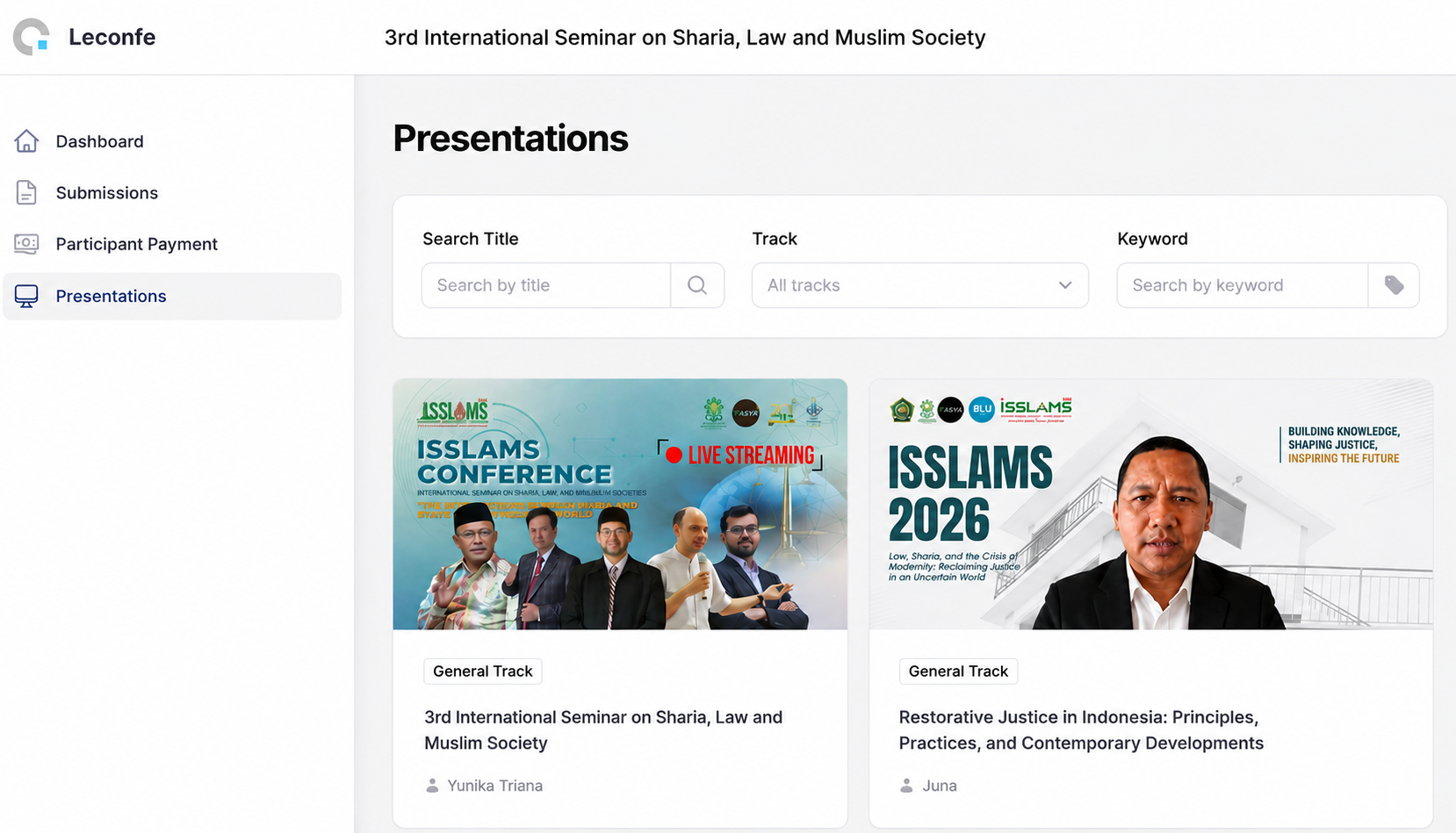
How to present your paper
Presenters participating in the Parallel Session online are required to deliver their presentation in the form of a recorded video.
Participants can discuss the presentations by commenting on each video uploaded by the presenter.
1. Record Your Presentation
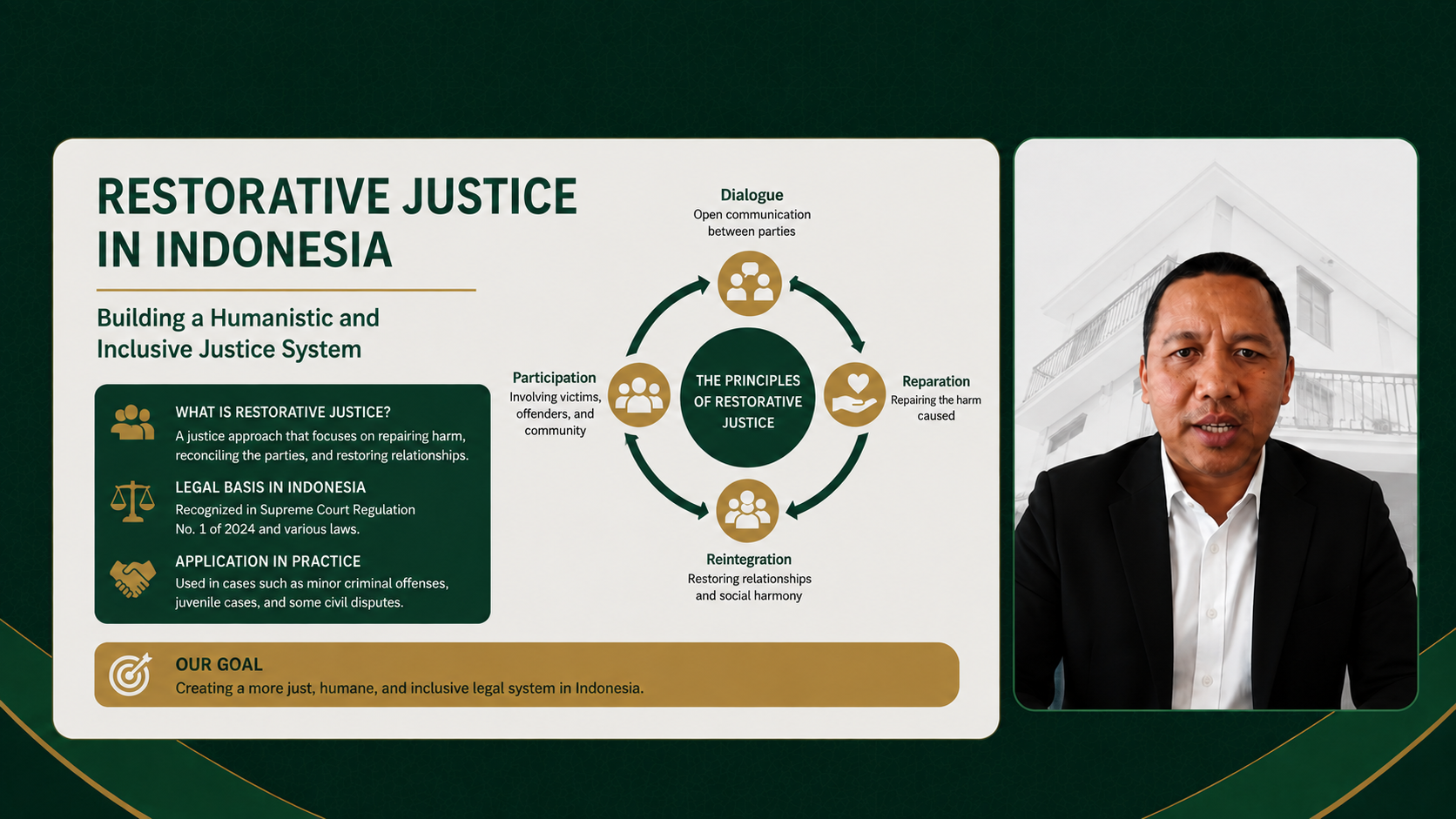
The presenter must record the paper presentation using the background template provided by the ISSLaMS organizing committee. Please ensure that:
1. The background used is the official template provided by the organizing committee;
2. The presenter/author’s name and presentation title are clearly displayed;
3. The audio and video quality are clear;
4. The presentation is delivered clearly and systematically.
5. We recommend using OBS Studio or similar software to make it easier to manage your recording.

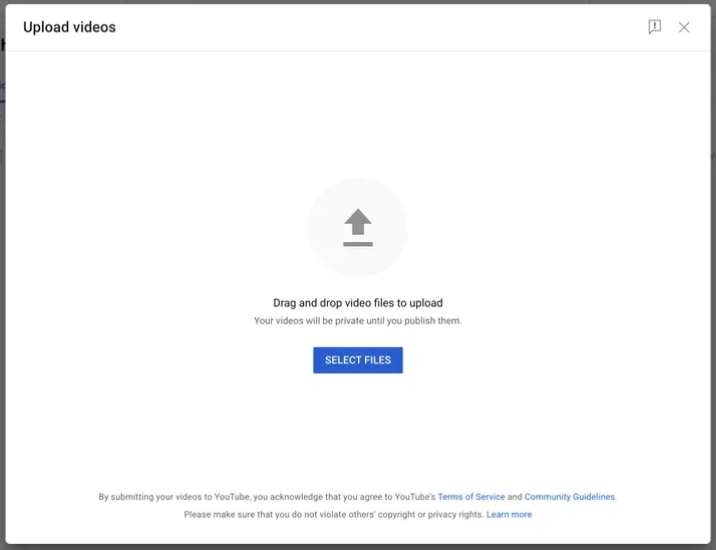
2. Upload the Video to YouTube
After recording the presentation, upload the video to YouTube. The video may be set to Public, according to the organizing committee’s requirements. Pleas add your caption and hastags #FASYAUINRMSaid #FakultasSyariah #UINRadenMasSaid #ISSLaMS2026
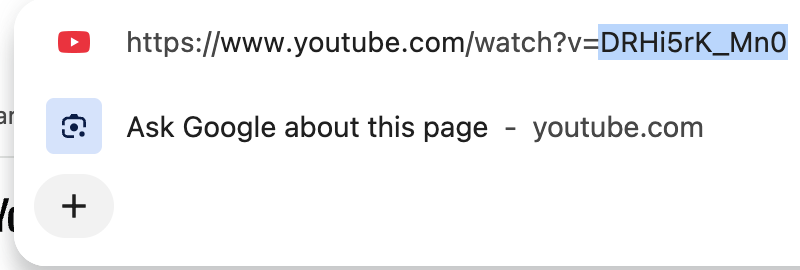
3. Copy video URL
Copy the YouTube ID of the uploaded presentation video. If your link is [https://www.youtube.com/watch?v=bbJJ9OMra70](https://www.youtube.com/watch?v=bbJJ9OMra70), just copy the ID: bbJJ9OMra70.
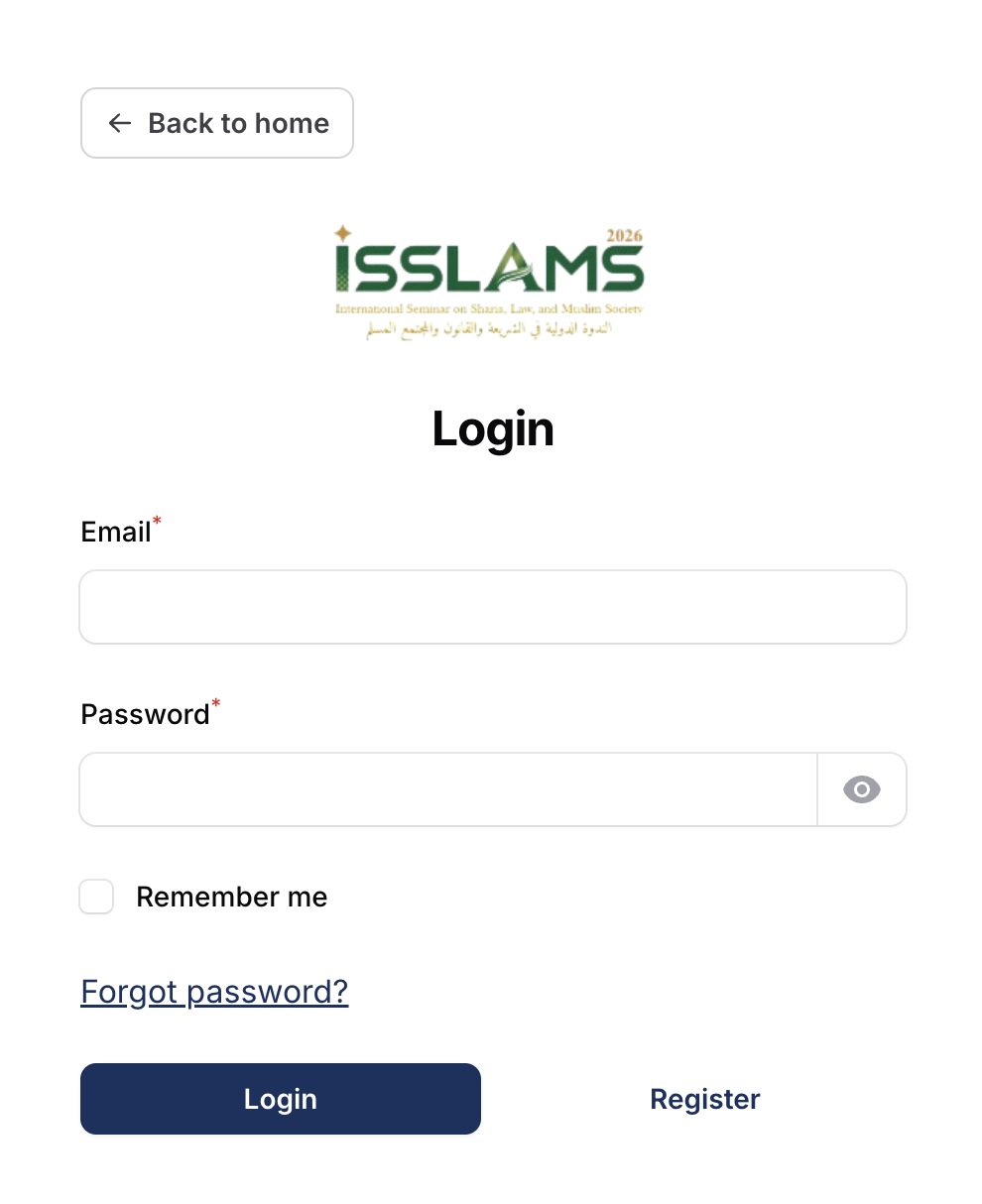
4. Log in to ISSLaMS Conference
Access the LeConfe platform using your registered account and click your submission. Don't make new submission.
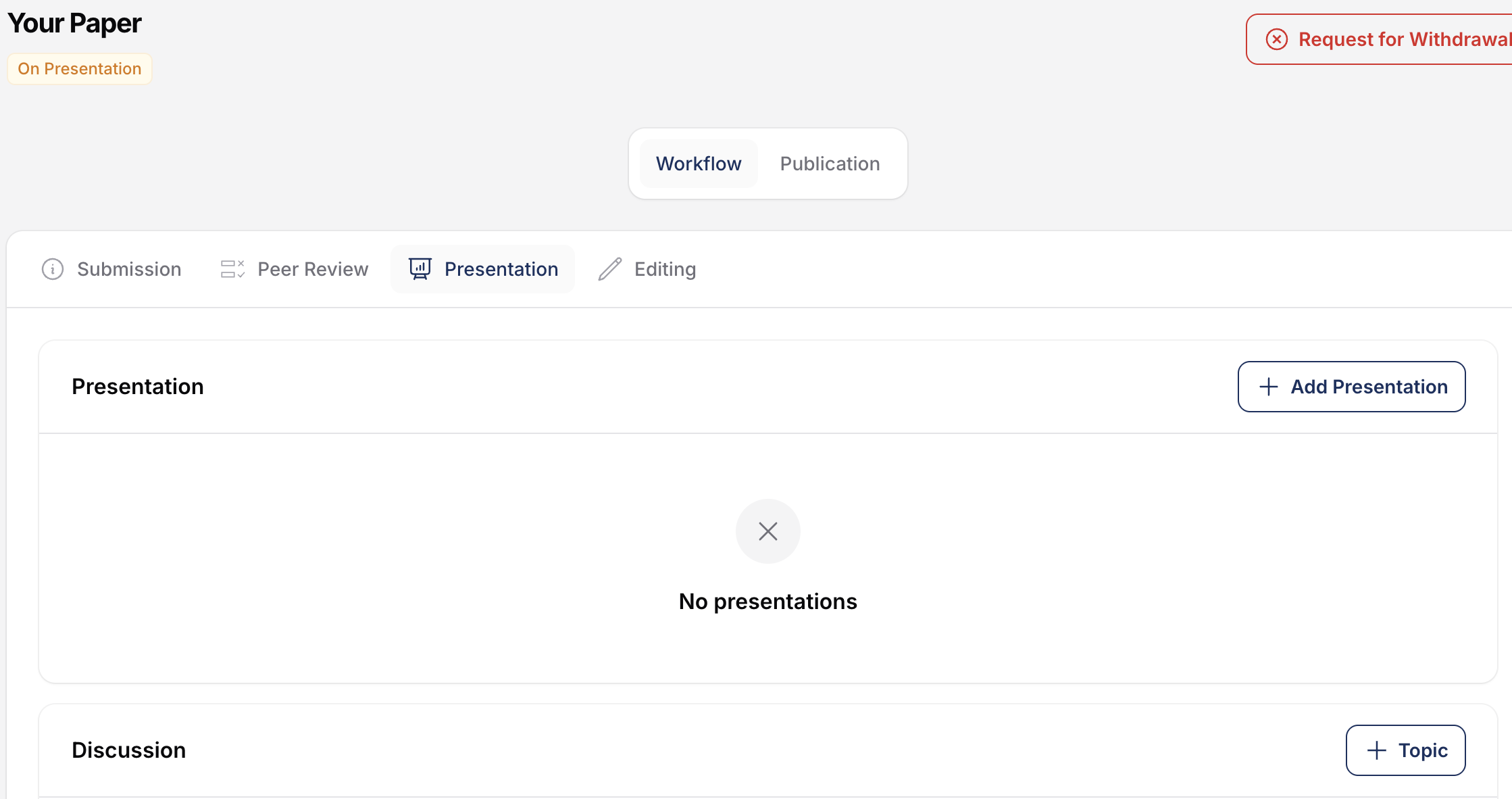
5. Select “Add Presentation”
Select the “Add Presentation” menu on LeConfe.
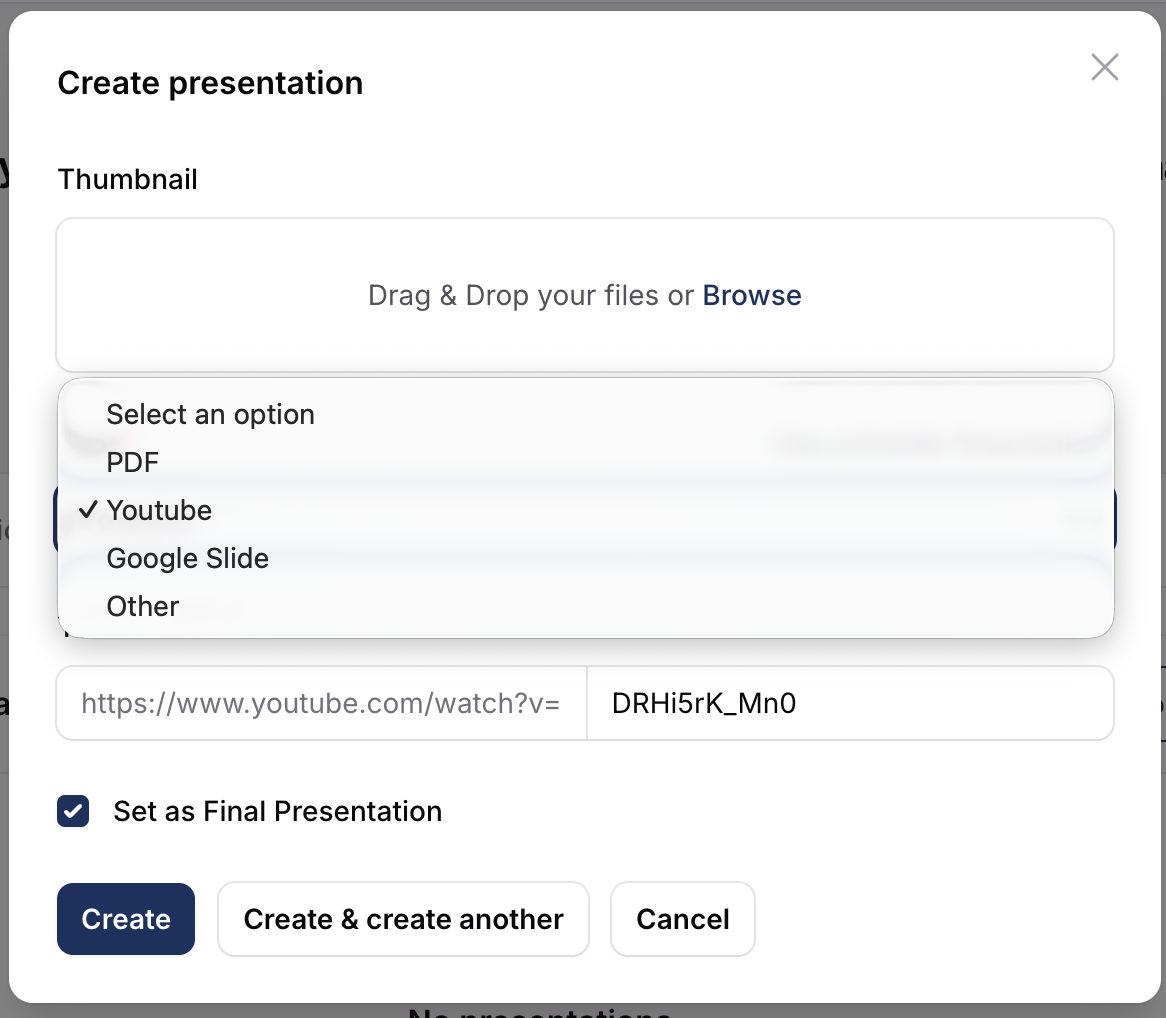
6. Enter the YouTube Link
Paste the YouTube video link into the designated field, then check "set as Final Presentation. Click "create"
If you would like to publish your presentation materials, simply prepare the file as a PDF or Google Slides. Browse and select your presentation file from your computer. Then, upload an image of your presentation material as the thumbnail. Finally, click “Create”.
7. Make Sure the Presentation is Accessible
The presenter must ensure that the presentation video has been successfully added and can be accessed by participants. Note: Make sure that the YouTube video settings do not restrict access for participants. Presenters are responsible for ensuring that the video link can be opened and played throughout the Parallel Session period.